
Use case

Catch temperature excursions while there’s still time

Reefer controllers, cold room sensors and cellular shipment loggers publish temperature, door and location data as it happens. Dispatch, quality and your customers see the same live readings — and an excursion triggers an alert in transit, not a rejected load at the dock.

No card required

Example message

PUBLISH cc/reefers/trl-5521/telemetry

{"ts":"2026-10-22T07:41:10Z","setpoint_c":5.0,"supply_c":4.6,"return_c":5.3,"box_c":4.9,"door":"closed","lat":51.37,"lon":6.17}

QoS 1 · TLS 8883 · PUBACK

The problem

Excursions discovered at the dock

Many shipments still travel with USB data loggers that are read only on arrival — by then a load of vaccines or fresh produce is already lost. Reefer telematics, warehouse cold rooms and shipment trackers each live in their own portal, so shipper, carrier and 3PL argue over whose data is right. A reefer that fails at night or a cold room door left open is noticed in the morning.

How it works

  1. 1

    Sensors where the product is

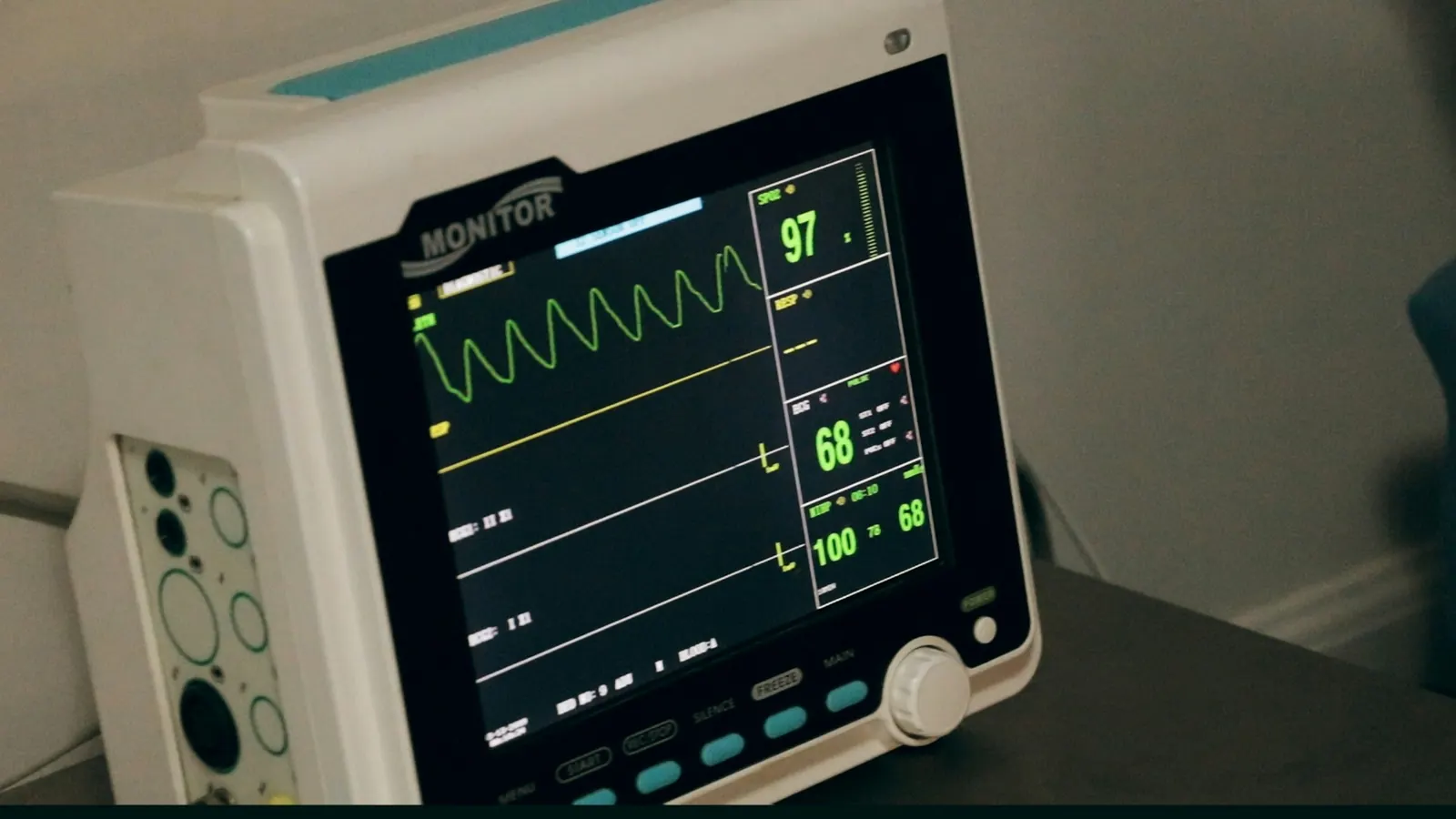
    Reefer controllers report supply, return and box temperature and setpoint; cold rooms use probes and door contacts; shipments carry cellular loggers with temperature, light and GPS.

  2. 2

    Publish over cellular or site network

    Telematics units and gateways publish to topics per trailer, room or shipment over TLS. Devices buffer readings in dead zones and send them with QoS 1 when coverage returns.

  3. 3

    Everyone subscribes to their part

    Your TMS, WMS and quality system subscribe to the topics they need; a customer portal gets read-only access to its own shipments.

  4. 4

    Alert and act

    Threshold rules notify the driver, dispatcher or warehouse team when a temperature leaves its range or a door stays open. Where the reefer supports it, setpoint changes go back on a command topic.

ConnectMQ

What it needs from the broker

Made for moving assets

Small packets for cellular, keep-alive tuned to the network, persistent sessions so trailers pick up queued commands after a tunnel or a border crossing, and Last Will to flag a unit that drops off.

Shared visibility, separate access

Per-device credentials and topic ACLs let carriers, 3PLs and customers see exactly their own trailers, rooms or shipments — and nothing else. TLS on every connection.

Excursion alerts built in

Threshold rules on temperature and door state notify the right people straight from ConnectMQ, while the live dashboard and topic monitor show every reading as it arrives.

Clean input for your records

Every reading arrives timestamped on a well-defined topic, so your quality system or WMS can store the temperature history it needs for release decisions and claims.

What you get

  • Excursions spotted in transit, not at goods receipt
  • One live view across reefers, cold rooms and shipments
  • Customers and partners see their own data without exports
  • Fewer losses from failures nobody noticed overnight
Example topics
cc/reefers/trl-5521/telemetry
cc/reefers/trl-5521/events
cc/reefers/trl-5521/setpoint/set
cc/rooms/dallas/cr-03/climate
cc/shipments/shp-88231/logger-17/readings

Frequently asked questions

How does MQTT help with cold chain monitoring?

MQTT moves each temperature reading from the reefer, cold room or logger to every system that needs it — TMS, WMS, quality and customer portals — in real time over cellular. Small packets and persistent sessions suit moving assets with patchy coverage, and threshold rules raise an alert as soon as a value leaves its range.

Can MQTT be used for pharma cold chain (GDP) shipments?

MQTT can carry the data in a monitoring solution you qualify: loggers and telematics publish, and your quality system stores the records and handles deviations. ConnectMQ provides the broker, TLS, access control and alerts; it is not itself the validated temperature record.

How do I connect reefer units to an MQTT broker?

Many reefer telematics units and IoT gateways publish MQTT directly; others expose data through the vendor’s cloud API, which a small bridge can publish to ConnectMQ. Either way, use one topic per trailer and a separate command topic for setpoints.

Build it on ConnectMQ

Start on the Free plan — no card required — connect your first devices today and upgrade when you go live.