Use case

Every store’s equipment on one live feed

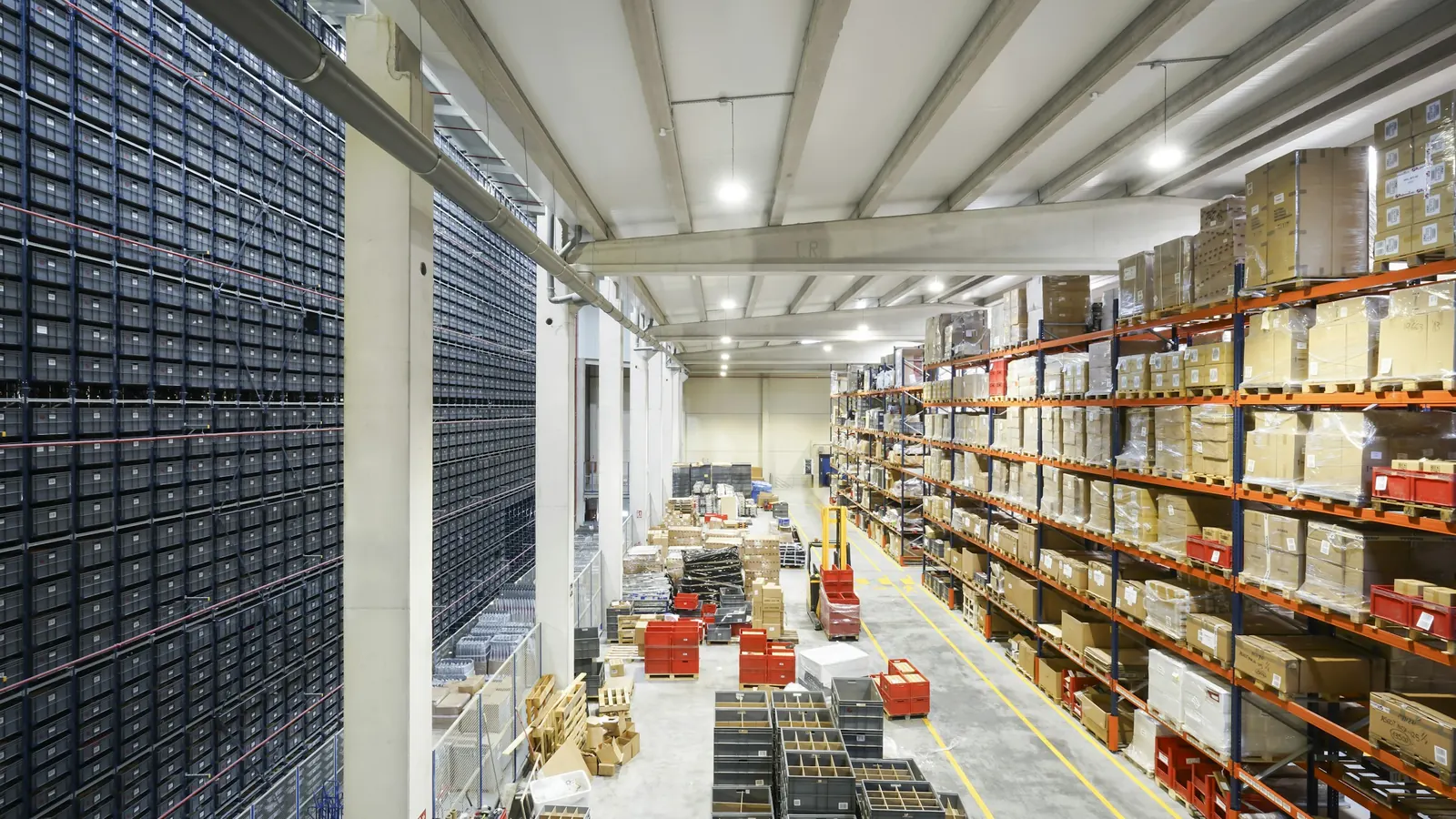
Refrigerated cases, HVAC, electronic shelf labels, digital signage, people counters and self-checkouts each come with their own portal. ConnectMQ puts them on one MQTT broker, so facilities, store operations and IT see every store in one place and act before shoppers notice.

No card required

Example message

PUBLISH retail/store-0412/refrigeration/case-07/temp

{"air":-17.8,"setpoint":-20,"defrost":false,"door_open_s":0,"ts":"2026-10-22T06:48:10Z"}

QoS 1 · TLS 8883 · PUBACK

The problem

Every system in the store has its own portal

A chain of a few hundred stores runs a refrigeration controller, a BMS, an ESL base station, a signage CMS and a fleet of self-checkouts — each from a different vendor with its own cloud. A freezer case that is warming up or a lane that froze is found by staff or shoppers, and head office cannot compare one store with the next.

How it works

  1. 1

    An in-store gateway collects

    An edge gateway in each store reads refrigeration controllers and rooftop HVAC over Modbus or BACnet; signage players, people counters and self-checkouts report their own status.

  2. 2

    Publish per store and system

    Everything is published under retail/{store}/{system}/{device}, with each device’s current status retained and the store gateway’s Last Will set.

  3. 3

    Rules and dashboards watch

    Threshold rules flag a case above its set point, a door left open or a lane offline; the live dashboard shows every store, aisle and checkout.

  4. 4

    The right team acts

    Facilities raises a refrigeration ticket in the CMMS, store ops reacts to footfall peaks, IT restarts a signage player or changes an HVAC schedule remotely.

ConnectMQ

What it needs from the broker

One private broker for the estate

A private broker instance for your chain; each store gateway connects with its own credentials and a per-topic ACL for its own store, such as retail/store-0412/#.

Built for store WAN links

Store broadband and 4G backup drop out. Last Will marks a store offline at once, and persistent sessions with QoS 1 deliver queued commands when it reconnects.

Commands back into the store

Config changes and remote actions travel on their own command topics, and ACLs decide which systems are allowed to send them.

The whole estate at a glance

Retained status means a new dashboard, an analytics job or a technician’s app sees the current state of every store the moment it subscribes.

What you get

  • Refrigeration and HVAC faults spotted before stock or comfort suffers
  • Self-checkout, ESL and signage health visible across every store
  • Footfall and equipment data in one stream for store operations
  • One integration for every vendor system instead of one per portal
Example topics
retail/store-0412/refrigeration/case-07/temp
retail/store-0412/hvac/rtu-2/state        (retained)
retail/store-0412/sco/lane-3/status       (retained)
retail/store-0412/counter/entrance-a/footfall
retail/store-0412/gateway/status          (retained)

Industries that run this use case

Frequently asked questions

How do I connect store refrigeration and HVAC to MQTT?

Most refrigeration controllers and rooftop units speak Modbus or BACnet. A small edge gateway or industrial PC in the store reads them and publishes to ConnectMQ over TLS; newer controllers and BMS platforms can often publish MQTT directly.

Is MQTT suitable for a retail chain with hundreds of stores?

Yes. Each store needs only a gateway connection or a handful of device connections, with topics and ACLs per store. Start a pilot on the Free plan with no card, then move to Basic or Scale as you roll out, without changing your code.

Can MQTT be used with electronic shelf labels (ESL)?

ESL systems usually run on their vendor’s own base stations and server. MQTT fits around them: the ESL server can publish base station and label health, and your pricing system can publish price change events that the ESL integration subscribes to.

Build it on ConnectMQ

Start on the Free plan — no card required — connect your first devices today and upgrade when you go live.