Use case

Get RPM readings to your care platform

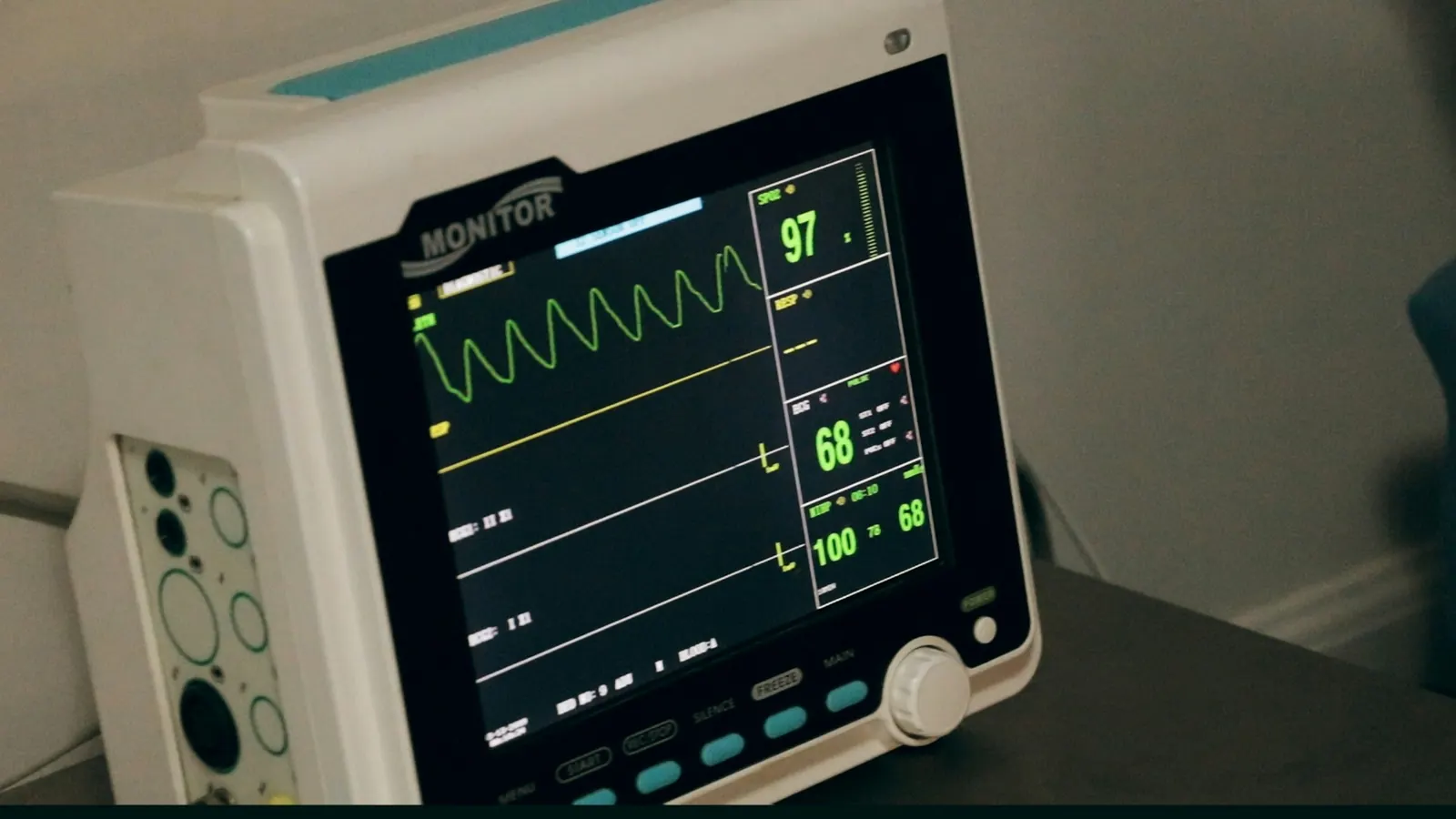
Blood pressure cuffs, pulse oximeters, scales and bedside monitors report through a home hub or a hospital gateway. ConnectMQ is the MQTT transport between those devices and the care platform you build and validate — encrypted, per device, and clear about which hub is offline.

No card required

Example message

PUBLISH rpm/clinic-north/pt-7f3a91/bp

{"sys":128,"dia":82,"pulse":71,"unit":"mmHg","dev":"bpm-0419","ts":"2026-10-22T07:41:12Z"}

QoS 1 · TLS 8883 · PUBACK

The problem

Readings that arrive late, twice or not at all

An RPM program lives on data showing up: a home hub on patchy Wi-Fi or LTE, a gateway behind the hospital firewall, a device vendor cloud with its own upload interval. Teams end up stitching together HTTP uploads and vendor APIs, cannot tell a quiet patient from a dead hub, and spend engineering time running message infrastructure instead of the care platform.

How it works

  1. 1

    Devices take a reading

    Bluetooth cuffs, oximeters, scales and glucose meters pair with a home hub or the patient app; bedside monitors connect to a hospital gateway.

  2. 2

    The gateway publishes over TLS

    The hub or gateway publishes each reading with QoS 1 under a pseudonymous patient reference, using its own credentials, and buffers while the connection is down.

  3. 3

    Your platform subscribes

    Your ingestion service subscribes, stores readings in your own validated systems and hands them to the EHR integration (for example HL7 FHIR) your team runs.

  4. 4

    Care teams follow up

    Your platform applies the clinical logic your organisation defines. ConnectMQ alerts cover the technical side, such as a hub that has stopped reporting.

ConnectMQ

What it needs from the broker

Encryption in transit

Every connection uses TLS — MQTT on port 8883 or secure WebSockets for web apps — so readings never cross the internet in clear text.

Per-device credentials and ACLs

Each hub or gateway gets its own username and password, limited by per-topic ACLs to its own topics. A lost hub is revoked without touching the rest.

Delivery you can reason about

QoS 1 and persistent sessions mean a reading published while your ingestion service restarts is delivered when it reconnects, not silently dropped.

Knowing a hub is offline

Last Will and a retained status topic tell your platform the moment a hub disconnects, so “no readings” and “no connection” are never confused.

What you get

  • One standard transport for every device vendor and gateway
  • Readings reach your platform in seconds, not on an upload schedule
  • Offline hubs show up as connectivity issues, not as missing data
  • No broker to patch, scale or keep running yourself
Example topics
rpm/clinic-north/pt-7f3a91/bp
rpm/clinic-north/pt-7f3a91/spo2
rpm/clinic-north/hub-2231/status   (retained)
rpm/clinic-north/hub-2231/config   (retained)

Industries that run this use case

Frequently asked questions

Is MQTT secure enough for remote patient monitoring data?

MQTT is a transport; its security depends on how it is set up. On ConnectMQ every connection is encrypted with TLS, each device or gateway has its own credentials, and per-topic ACLs limit what it can publish and read. Use pseudonymous IDs in topics and keep identifiable data in your own systems. Whether the whole solution meets your regulatory obligations is decided by your architecture and your validation, not by the broker alone.

Does ConnectMQ make clinical decisions or store patient records?

No. ConnectMQ moves messages between devices and your applications. Interpreting readings, clinical alerts, patient records and EHR integration belong to the platform you build and validate — ConnectMQ is one component of it.

How do I connect Bluetooth medical devices to MQTT?

Most Bluetooth devices cannot speak MQTT themselves. A home hub, a cellular gateway or the patient’s phone app reads the device over Bluetooth and publishes each reading over MQTT. Any standard MQTT library for Android, iOS, Python, Node.js or embedded Linux works with ConnectMQ.

Build it on ConnectMQ

Start on the Free plan — no card required — connect your first devices today and upgrade when you go live.