Use case

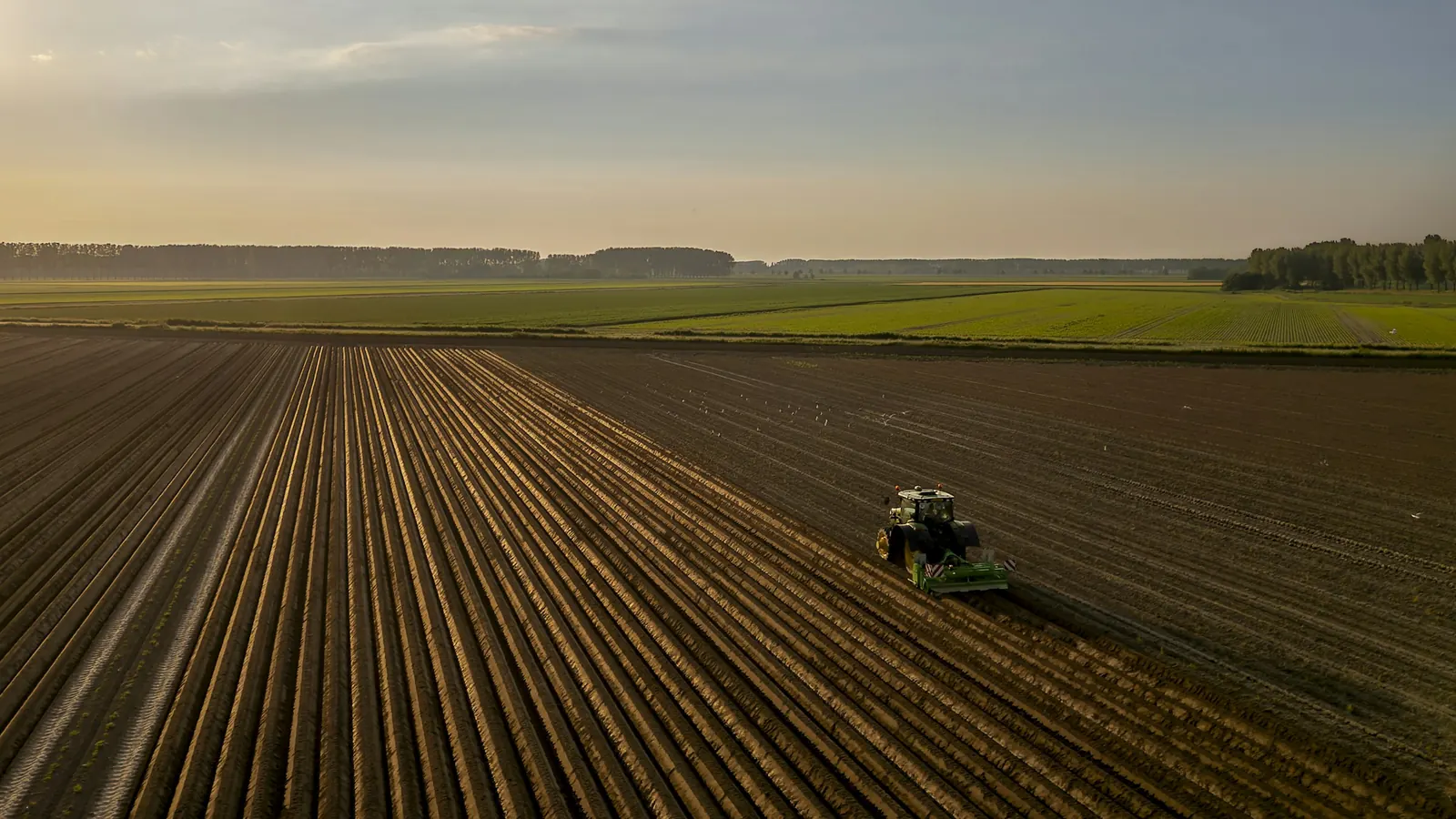
Spray and scouting drones, connected

Each drone — or its ground station — publishes telemetry, battery and tank levels and mission progress over LTE or the farm’s Wi-Fi. Your farm management platform sends approved mission plans back, and agronomy apps get the field data after every flight. The autopilot and the pilot’s radio link stay in charge of flying.

No card required

Example message

PUBLISH farm/drones/ag-03/telemetry

{"lat":38.7342,"lon":-121.8127,"alt_m":3.2,"spd":5.8,"bat":61,"tank_l":14.5,"flow_lpm":4.2,"mission":"m-2291"}

QoS 1 · TLS 8883 · PUBACK

The problem

Flight data stuck on the controller

Spraying contractors and large farms fly several drones a day across many fields, often from more than one vendor. Flight logs sit on handheld controllers or in each vendor’s cloud, mission plans travel by USB stick or email, and the office learns what was sprayed — and where — hours later, when someone uploads the logs.

How it works

  1. 1

    The drone side publishes

    A companion computer on the drone or the ground station publishes position, altitude, battery, tank level, flow rate and mission state over MQTT/TLS on the cellular or field network.

  2. 2

    The farm platform sends the mission

    Your farm management system publishes the approved mission — field boundary, prescription map, application rate — to the drone’s mission topic with QoS 1. The ground station loads it into the autopilot once the pilot has checked it.

  3. 3

    Status follows every flight

    Mission state (spraying, paused for refill, complete) and each drone’s online status, kept as retained messages, update the operations dashboard for every drone in the field.

  4. 4

    Field data reaches agronomy

    After each flight, as-applied records and scouting results such as stress zones and links to the imagery are published for your agronomy app, spray records and invoicing.

ConnectMQ

What it needs from the broker

Reliable commands on rural coverage

Persistent sessions and QoS 1 make a mission plan wait for the ground station when the LTE link drops, and deliver it as soon as it reconnects.

An online state you can trust

Last Will and a retained status topic tell the operations team straight away when a drone or ground station drops off the network.

Per-drone credentials

Every drone, ground station and application has its own username and topic ACLs, so a contractor’s drones only see their own missions.

Alerts on the telemetry

Threshold rules on battery, tank level or flow rate notify the crew, so they know when to plan a refill or battery swap.

What you get

  • Every drone’s status on one screen
  • Mission plans delivered without USB sticks
  • As-applied records in the farm platform after each flight
  • Drones from several vendors on one topic tree
Example topics
farm/drones/{drone-id}/telemetry
farm/drones/{drone-id}/status          (retained)
farm/drones/{drone-id}/mission/set
farm/drones/{drone-id}/mission/state   (retained)
farm/fields/{field-id}/as-applied

Industries that run this use case

Frequently asked questions

Can MQTT control an agricultural drone?

MQTT is the data link between the drone or its ground station and your farm platform: telemetry, mission plans and status. Flight control stays with the drone’s autopilot and the pilot’s radio link, for example over MAVLink or the vendor’s own protocol. A companion computer or the ground station bridges between the two.

How do I get spray drone telemetry into my farm management software?

Run a small bridge on the ground station or a companion computer that reads the drone’s telemetry — from the autopilot, MAVLink or the vendor SDK — and publishes it to ConnectMQ over MQTT/TLS. Your farm management software subscribes to the drone topics, or a small service subscribes and writes the data into its API.

Does MQTT work for drones on rural LTE?

Yes. MQTT keeps one long-lived connection with small packets, and persistent sessions with QoS 1 hold messages for clients that drop and reconnect. Send high-rate telemetry at QoS 0 to save data, and mission plans and as-applied records at QoS 1.

Build it on ConnectMQ

Start on the Free plan — no card required — connect your first devices today and upgrade when you go live.